· 8 min read
Marketplace Template Checklist: What to Check Before You Buy
A practical checklist for checking what a marketplace template includes, who controls the key accounts, how payments and delivery work, and who maintains it after launch.
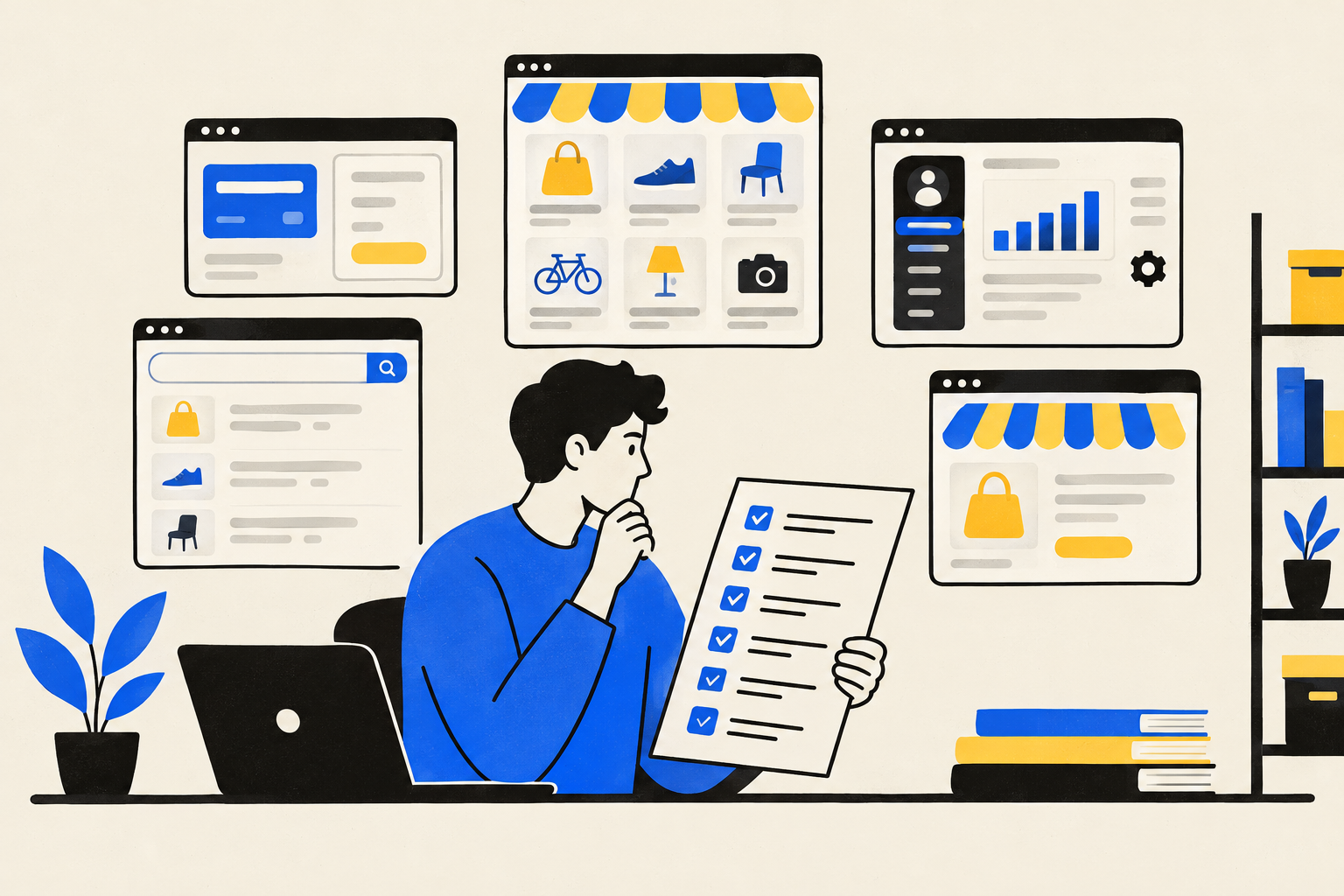
A polished demo is not enough to judge a marketplace template. Before you buy, check who owns the accounts, where the money goes, how customers receive what they bought, and who keeps the software working.
The short answer
Before buying a marketplace template, verify the full operating setup, not only the screens. Ask who controls the domain, hosting, database, source code and payment account; test a purchase and delivery; inspect the admin and search pages; and get the maintenance and handover terms in writing.
A template can be a starting point rather than a finished business. Compare what works now with what your marketplace actually needs, and price missing features, setup, hosting and ongoing support separately.
What exactly are you buying?
The word “template” can mean a visual theme, a downloadable codebase, a hosted software service or a configured marketplace delivered for your business. These are different purchases. A theme may provide page layouts but leave accounts, payments, data and deployment to you. A hosted service may run the software for you but keep more of the technical control with the vendor. A configured system may include setup work, while still requiring a separate agreement about ownership and support.
- Scope. Ask for a feature list that separates working features from mock-ups, planned work and custom development. Request a live demo account and try the main paths yourself.
- Accounts and access. Confirm who owns or controls the domain, hosting account, database, payment processor account, code repository and administrator login. Ask which accounts will be created in your business’s name and how access will be transferred.
- Data and code. Ask how you can export your listings, products, orders and customer records, and what happens to your data if you leave. Clarify whether you receive source code, a licence to use it, or access only while a service remains active.
- Dependencies. Request a list of third-party services, software dependencies and any recurring charges. Confirm who pays each bill and what happens if a connected service changes its terms or stops working.
Do not treat “you own it” as a complete answer. Ask what that means for the code, data, brand, domain and accounts individually. Put the agreed access, licence, export and exit arrangements in the contract.
How do payments and delivery work?
Make the seller explain the complete payment path: the buyer’s checkout, the payment processor, the account receiving the funds, any fee or commission, refunds and order records. Test in the processor’s test mode if available, then confirm what the real setup requires. Payment methods, currencies and account availability can depend on the payment provider and the country where your business operates.
- Owner-only sales. For a marketplace that sells its own digital products, confirm that checkout is connected to your business’s payment account and that paid orders appear in your admin.
- Third-party sellers. If independent sellers must receive money through the platform, ask whether seller onboarding, connected accounts, payout timing, refunds and platform fees are actually implemented. Ordinary checkout is not automatically a seller-payout system. Stripe documents Connect as a way to support platform and marketplace payments, so ask which payment model the product uses.
- Payment confirmation. Ask how the system knows a payment succeeded. Stripe advises using server-side payment events for post-payment actions rather than relying only on the buyer returning to a confirmation page. Check that the order record and delivery process follow confirmed payment status.
- Digital delivery. Buy a sample product in the demo. See whether the buyer receives a file, a private link or instructions, where those materials appear, and what happens if a payment fails or a link expires. Ask who can replace a file and help a customer who cannot access a purchase.
Do not assume that a product called a marketplace includes commissions or payouts to vendors. Treat seller payouts, seller dashboards, bookings and physical shipping as separate scope unless the vendor demonstrates them and includes them in the written agreement. Payment rules and consumer obligations vary by country and, in some cases, province or state. This checklist is not legal or tax advice; ask the relevant authority or a qualified professional about your situation.
Can you run the marketplace from its admin?
A usable admin should let the owner handle the daily work promised by the product. Request a walkthrough using a non-technical account, and ask the vendor to show each task from beginning to end. Do not settle for screenshots if the working demo is available.
- Content. Can you add and edit listings, categories, products, expert profiles and articles? Can you control publication and remove outdated content?
- Orders and messages. Can you find an order, see its status and respond to a customer message? Check what information is recorded and who can access it.
- Roles and safety. Ask who can sign in as an administrator, how access is removed when a team member leaves, and whether permissions can be limited. OWASP’s application security standard provides a reference for checking web-application security controls; ask what testing or review has been done rather than accepting a general claim of security.
- Routine changes. Try changing a price, description, category and product file. If ordinary updates require a developer, find out which ones, how requests are handled and whether that work is included.
Ask for training or handover notes, too. A short screen recording or written guide can help your team repeat common tasks without depending on the original developer for every change.
Do the search pages match your business?
Search on the site and search engine visibility are related but not the same thing. Test the marketplace’s own search and filters with realistic terms, including misspellings, empty results and categories with only a few listings. Check whether a visitor can understand each result and reach a useful detail page.
- Useful listing pages. Check whether each listing has the fields your niche needs, such as categories, pricing, ratings, pros and cons, questions or partner links. Look for readable page titles and content that is visible to visitors.
- Category and comparison pages. Ask which pages are created from real site content and whether you can edit or remove them. Generated alternatives or comparison pages still need accurate details and a clear purpose; more URLs do not automatically mean better search visibility.
- Crawl and index basics. Ask whether public pages have stable URLs, a sitemap and structured data where appropriate. Google describes sitemaps as a way to provide information about pages and structured data as clues that help it understand page content.
- Realistic expectations. Ask how you can inspect pages after launch and fix incorrect or blocked content. Google says structured data does not guarantee a rich result, and a sitemap is not a promise that a page will be indexed.
Have the vendor show the actual pages and the way their content is generated. A promise of “SEO built in” is too vague to evaluate. Search visibility also depends on your content and how search engines crawl and display the site.
Who hosts, secures and maintains it?
Get a clear answer about where the application and database run, who pays the hosting bill, who can access production, and how the site is moved if you change providers. Ask what is backed up, how often, where backups are stored and whether anyone has tested restoring one. A backup that has never been restored is an untested assumption.
- Ask who monitors errors, downtime and failed background tasks, and who receives alerts.
- Ask who updates the application, its dependencies, server software and database, and how urgent security fixes are handled.
- Ask how changes are tested before they reach the live site and how the team can roll back a failed update.
- Ask what support covers, how to report a problem, what response arrangements are agreed, and which work is billed separately.
- Ask how your data is exported and how access is revoked at the end of the agreement.
Maintenance is continuing work, not a one-time installation. OWASP’s software supply-chain guidance notes that deployed software needs ongoing monitoring and maintenance as vulnerabilities and dependencies change. For a Postgres-based product, ask which database version is used and who plans upgrades; PostgreSQL publishes version support periods and recommends staying current with minor releases.
If customer or expert information is collected, ask what data is stored, why it is needed, how long it is kept and who can see it. Privacy obligations vary across countries and regions. The EU’s GDPR is one example of a data-protection framework; it is not a substitute for checking the rules that apply to your business. Seek advice from the relevant regulator or a qualified professional for a specific case.
How this looks in ListingHub
ListingHub is a public demo of a marketplace engine built by TECHMA, so you can click through working sample data and the admin before asking questions. The engine includes directory shelves, digital products with Stripe checkout into the owner’s Stripe account, private buyer delivery, expert applications, articles and admin tools; TECHMA sets up a client version under the client’s name, domain, database and Stripe account and maintains it, with pricing on quote. Seller payouts or commissions, vendor self-editing, bookings, physical shipping, subscriptions, order-linked reviews, a mobile app and multiple languages are not part of the current engine and would be built during setup if required; click through the demo or write to TECHMA to discuss fit.
Questions
What should I check before buying a marketplace template?
Check the included features, account ownership, payment flow, delivery, admin, search pages, hosting, data export and maintenance terms. Test the main user journeys in a live demo.
Does a marketplace template include seller payouts?
Not necessarily. Ask whether seller onboarding, connected accounts, commissions, refunds and payouts are implemented, and request a live demonstration.
Who should own the domain and Stripe account?
For a business-specific setup, clarify who controls each account and how access is transferred. Confirm that the payment flow matches your business model and country.
How can I tell if digital delivery works?
Complete a test purchase and check how the buyer receives files, links or instructions. Also ask how failed payments, expired links and access problems are handled.
Does structured data guarantee better Google results?
No. Structured data can help Google understand page content, but correct markup does not guarantee a rich result or indexing.
What should marketplace template maintenance cover?
Agree who handles hosting, backups, restore tests, monitoring, software updates, security fixes and support. Put included work and separately billed work in writing.
Sources
- Payments for existing customers, Stripe
- Your contract with Stripe: Stripe Services Agreement overview and FAQ, Stripe
- SEO guide for web developers, Google Search Central
- General structured data guidelines, Google Search Central
- PostgreSQL Versioning Policy, PostgreSQL
- General Data Protection Regulation (GDPR), EUR-Lex
See the engine running: the marketplace template, the admin, or launch your own marketplace.